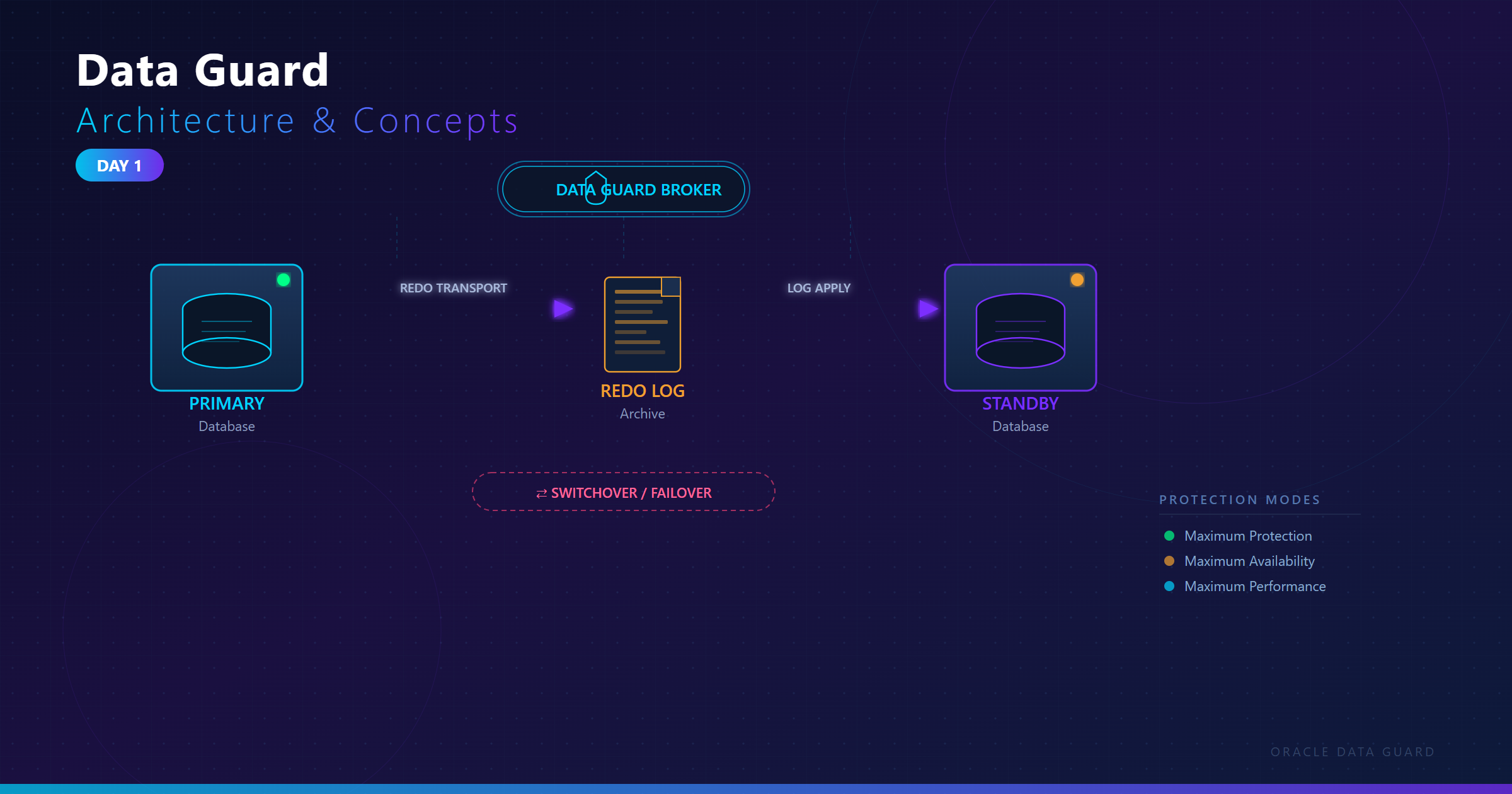
Welcome to the Oracle DBA Learning Series
This series takes you from zero to Oracle DBA — covering 12c, 19c, and 23ai. Each part builds on the previous, combining theory, real SQL labs, and troubleshooting guides.
What is Oracle Database?
Oracle Database is a relational database management system (RDBMS) developed by Oracle Corporation. It is the world's most used enterprise database, powering banks, telecoms, healthcare systems, and government platforms globally.
| Version | Release Year | Key Highlights |
|---|---|---|
| Oracle 12c | 2013 | Multitenant (CDB/PDB), In-Memory option |
| Oracle 19c | 2019 | Long-term support, Automatic Indexing, Active Data Guard DML |
| Oracle 21c | 2021 | Blockchain Tables, AutoML, JSON Enhancements |
| Oracle 23ai | 2024 | AI Vector Search, JSON Relational Duality, True Cache |
Oracle Architecture Overview
An Oracle system consists of two major components: the Instance and the Database.
- Instance = Memory (SGA + PGA) + Background Processes
- Database = Physical files on disk (datafiles, redo logs, control files)
System Global Area (SGA)
The SGA is shared memory allocated when the instance starts. It contains:
- Database Buffer Cache – Caches data blocks read from disk. Reduces I/O.
- Shared Pool – Caches parsed SQL (Library Cache) and data dictionary info (Dictionary Cache).
- Redo Log Buffer – Circular buffer holding redo entries before LGWR writes to redo log files.
- Large Pool – Used by RMAN, parallel query, shared server connections.
- Java Pool – For Java-based stored procedures.
- Streams Pool – For Oracle Streams / GoldenGate replication.
-- Check SGA allocation
SELECT name, bytes/1024/1024 AS mb FROM v$sgainfo WHERE name IN (
  'Buffer Cache Size','Shared Pool Size','Redo Buffers','Large Pool Size'
);
Program Global Area (PGA)
The PGA is private memory allocated per server process. It stores session-specific data: sort areas, hash join areas, cursor state, and bind variables. It is NOT shared.
-- Check PGA usage
SELECT round(value/1024/1024,2) AS pga_mb FROM v$pgastat
WHERE name = 'total PGA allocated';
Key Background Processes
| Process | Name | Role |
|---|---|---|
| DBWR | Database Writer | Writes dirty buffers from Buffer Cache to datafiles |
| LGWR | Log Writer | Writes redo entries from Redo Log Buffer to online redo logs |
| SMON | System Monitor | Instance recovery, coalesces free space in tablespaces |
| PMON | Process Monitor | Cleans up failed user processes, releases resources |
| CKPT | Checkpoint | Updates control file and datafile headers at checkpoint |
| ARCn | Archiver | Copies filled online redo logs to archive destination |
| MMON | Manageability Monitor | Collects AWR snapshots, sends alerts |
| RECO | Recoverer | Resolves distributed transaction failures |
-- View background processes
SELECT pname, description FROM v$bgprocess WHERE paddr != '00';
Physical Database Files
- Datafiles (.dbf) – Store actual table/index data, organized in tablespaces.
- Online Redo Log Files – Record every change made to the database for recovery.
- Control File – Binary file tracking database structure, SCN, and RMAN catalog info.
- Parameter File (spfile/pfile) – Stores initialization parameters.
- Archive Log Files – Filled redo logs archived for point-in-time recovery.
- Password File – Allows privileged connections (SYSDBA/SYSOPER) over the network.
-- View datafiles
SELECT file#, name, status, bytes/1024/1024 AS mb FROM v$datafile;

-- View redo log groups
SELECT group#, status, bytes/1024/1024 AS mb FROM v$log;

-- View control files
SELECT name FROM v$controlfile;
Lab 1: Explore Your Oracle Instance
-- Connect as SYSDBA
sqlplus / as sysdba

-- Check instance status
SELECT instance_name, status, database_status FROM v$instance;

-- Check database name and open mode
SELECT name, open_mode, log_mode FROM v$database;

-- Check Oracle version
SELECT banner FROM v$version;

-- Memory overview
SELECT * FROM v$memory_target_advice ORDER BY memory_size;
Common Error in This Topic
ORA-01034: ORACLE not available – The instance is not started.
-- Solution: Start the instance
sqlplus / as sysdba
SQL> STARTUP;
-- Or mount only:
SQL> STARTUP MOUNT;
Summary
- Oracle = Instance (memory + processes) + Database (files on disk)
- SGA is shared; PGA is private per session
- Key processes: DBWR, LGWR, SMON, PMON, CKPT, ARCn
- Physical files: datafiles, redo logs, control file, archive logs
Next: Part 2 – Installation & Initial Configuration
Frequently asked questions
What is the difference between an instance and a database?
What does ORA-01034: ORACLE not available mean?
sqlplus / as sysdba and run STARTUP. Also check that ORACLE_SID points to the database you meant.Is the PGA shared between sessions?
How do I see which background processes are running?
SELECT pname, description FROM v$bgprocess WHERE paddr != '00';, or on Linux run ps -ef | grep ora_ to list them by name.
Comments
0Please sign in to leave a comment.
No comments yet
Be the first to share your thoughts!